Custom Alert
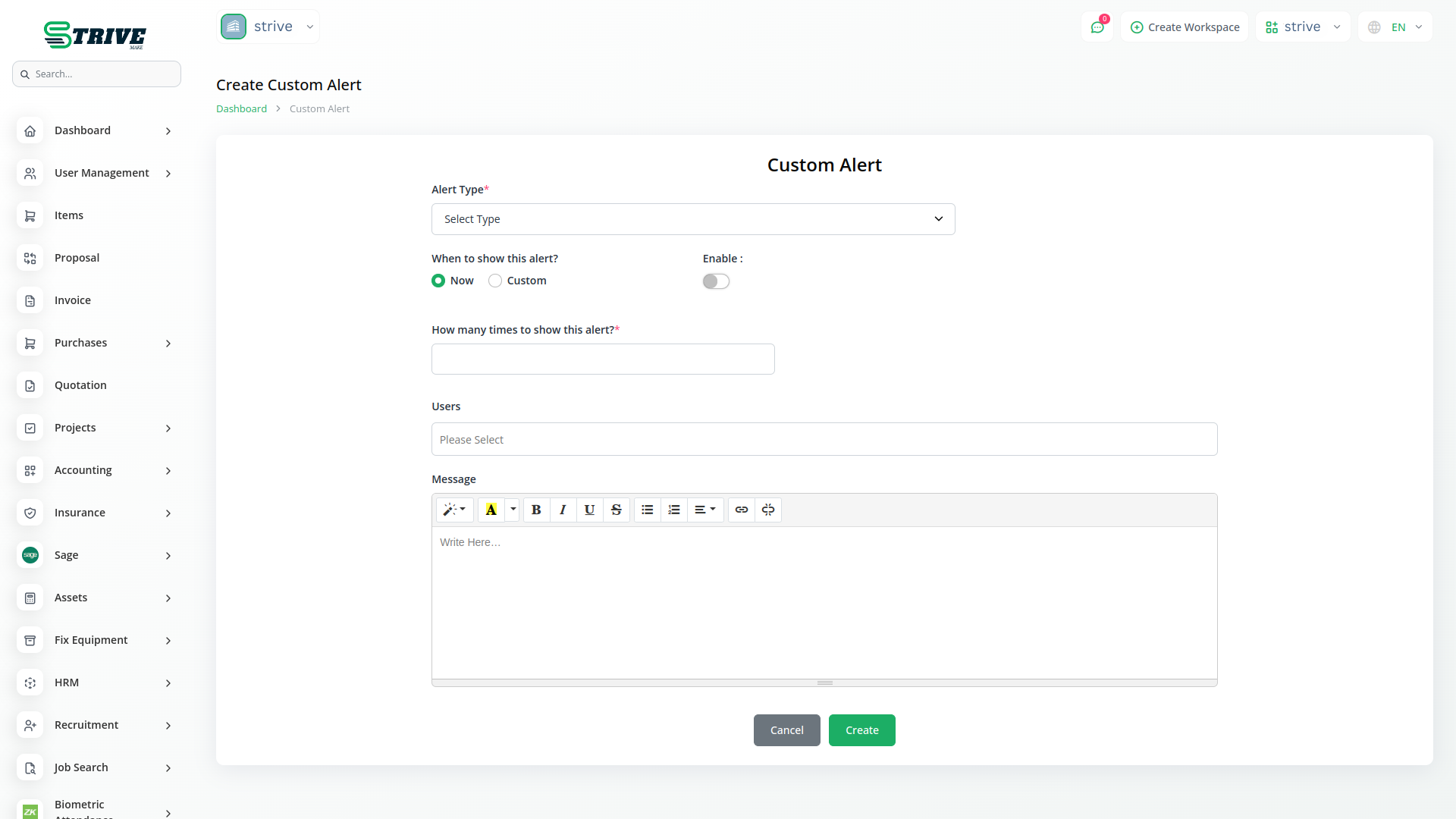
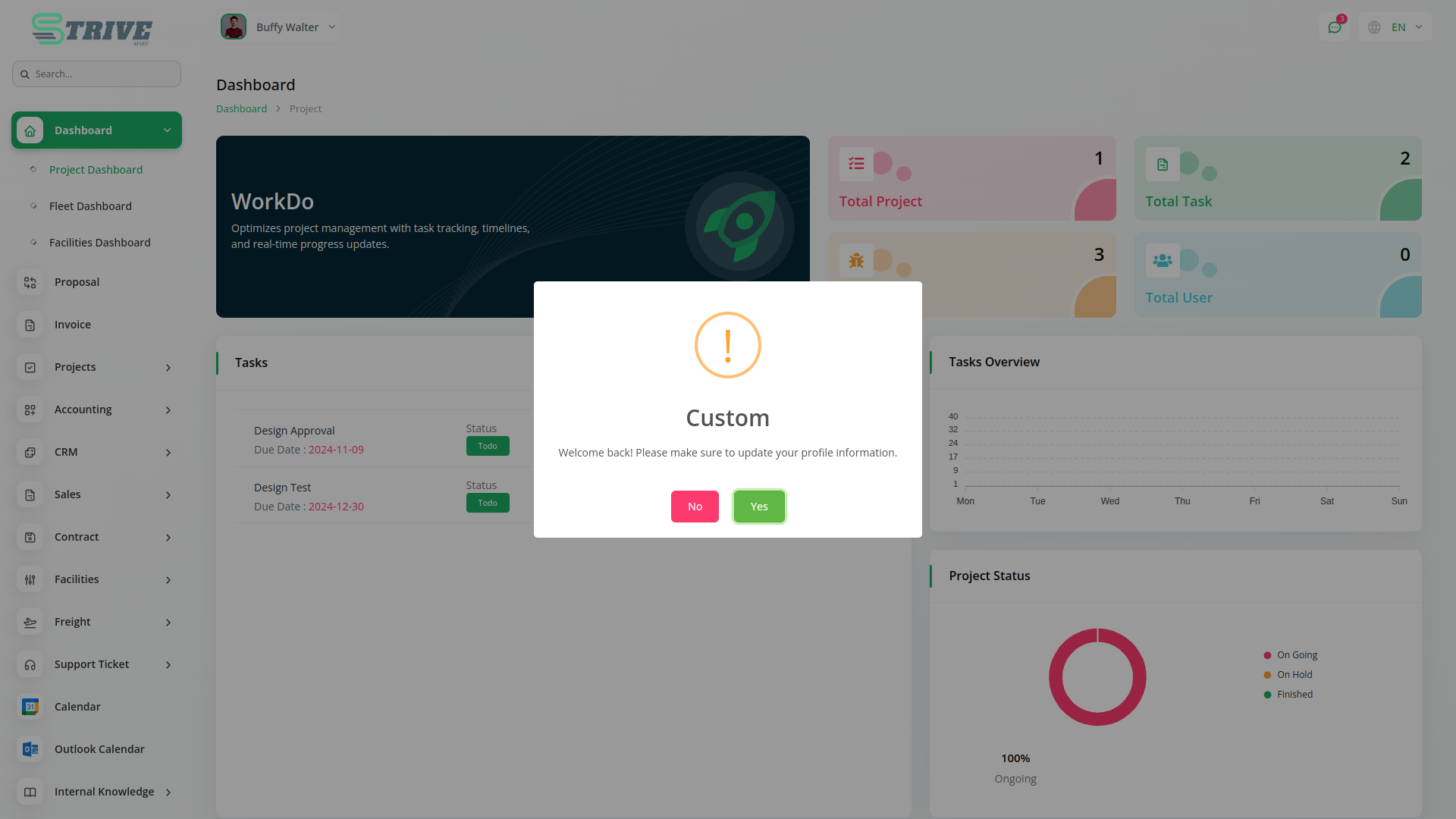
The Custom Alert Add-On helps send important messages to users in a clear and timely way. You can set the type of —informational, warning, or —based on urgency. It helps guide users or inform them about updates, policies, or actions to take. You can also control how many times the appears, making sure it gets noticed without being too repetitive. This gives flexibility to deliver messages effectively.
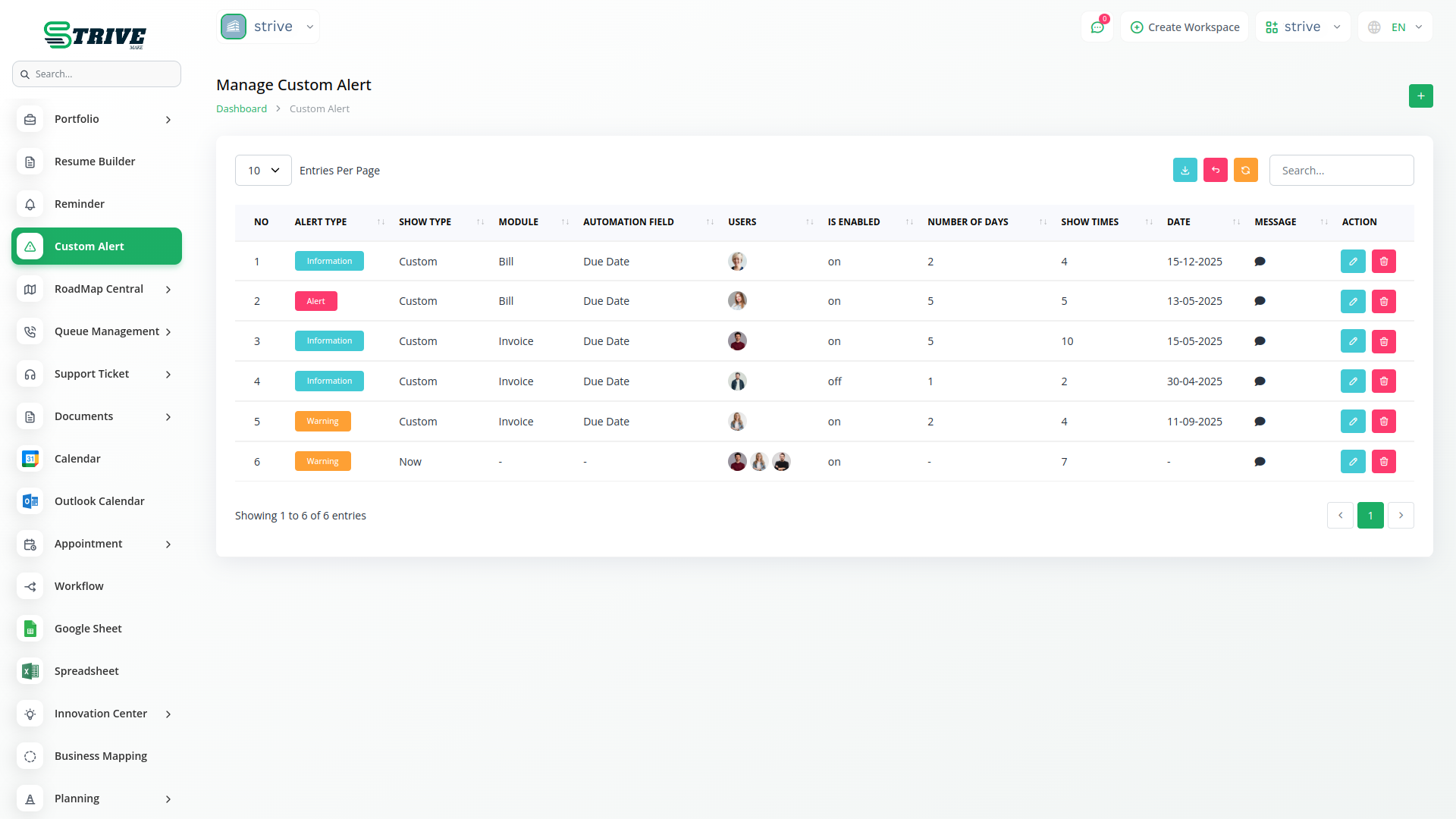
Custom Alert
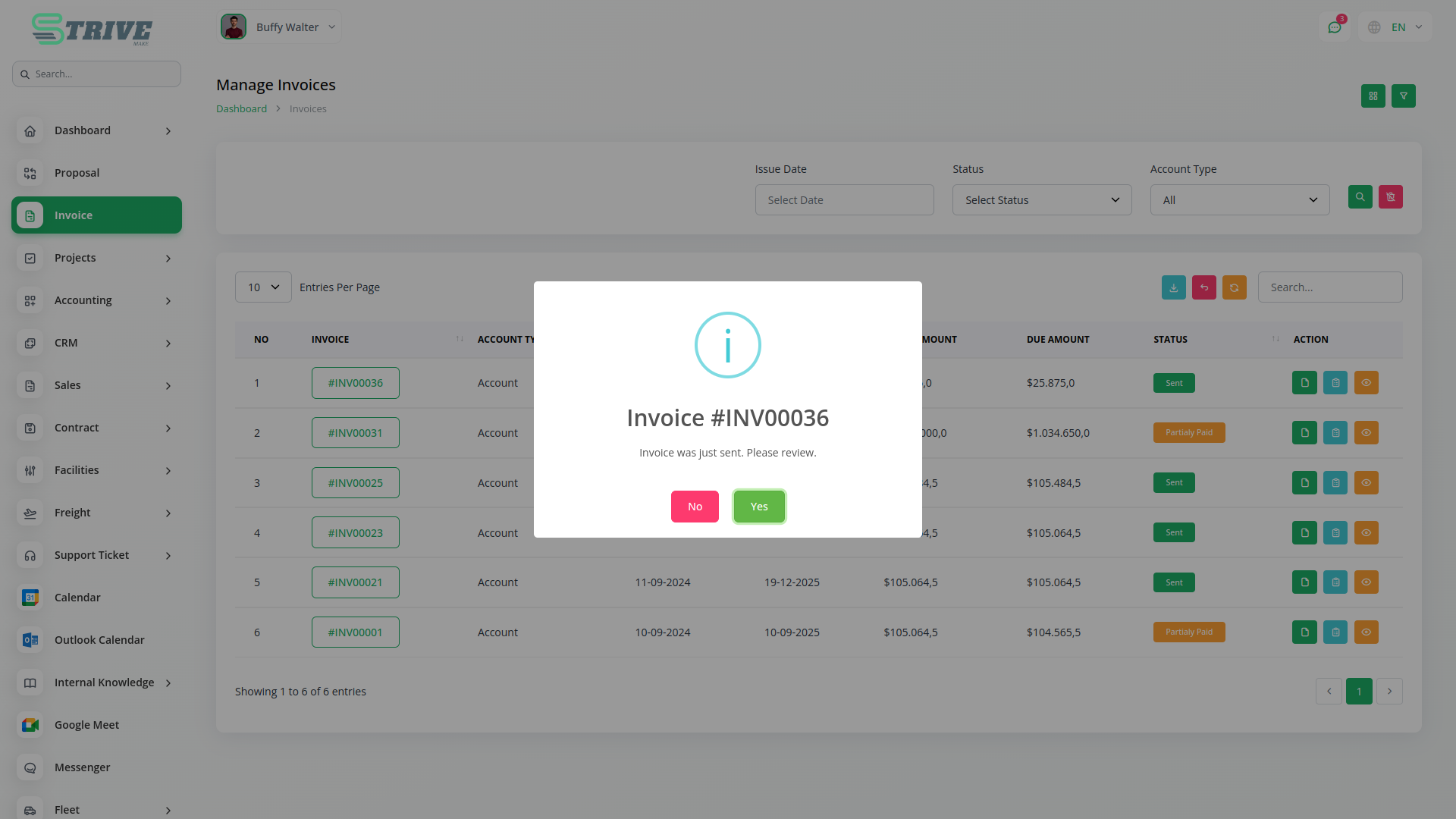
The Custom Alert Add-On is a powerful feature that enables you to create and schedule tailored alerts for your users, helping you deliver important messages based on specific modules like invoices or bills, ensuring timely communication and enhanced user engagement across your platform.
Target the Right Users for Better Impact
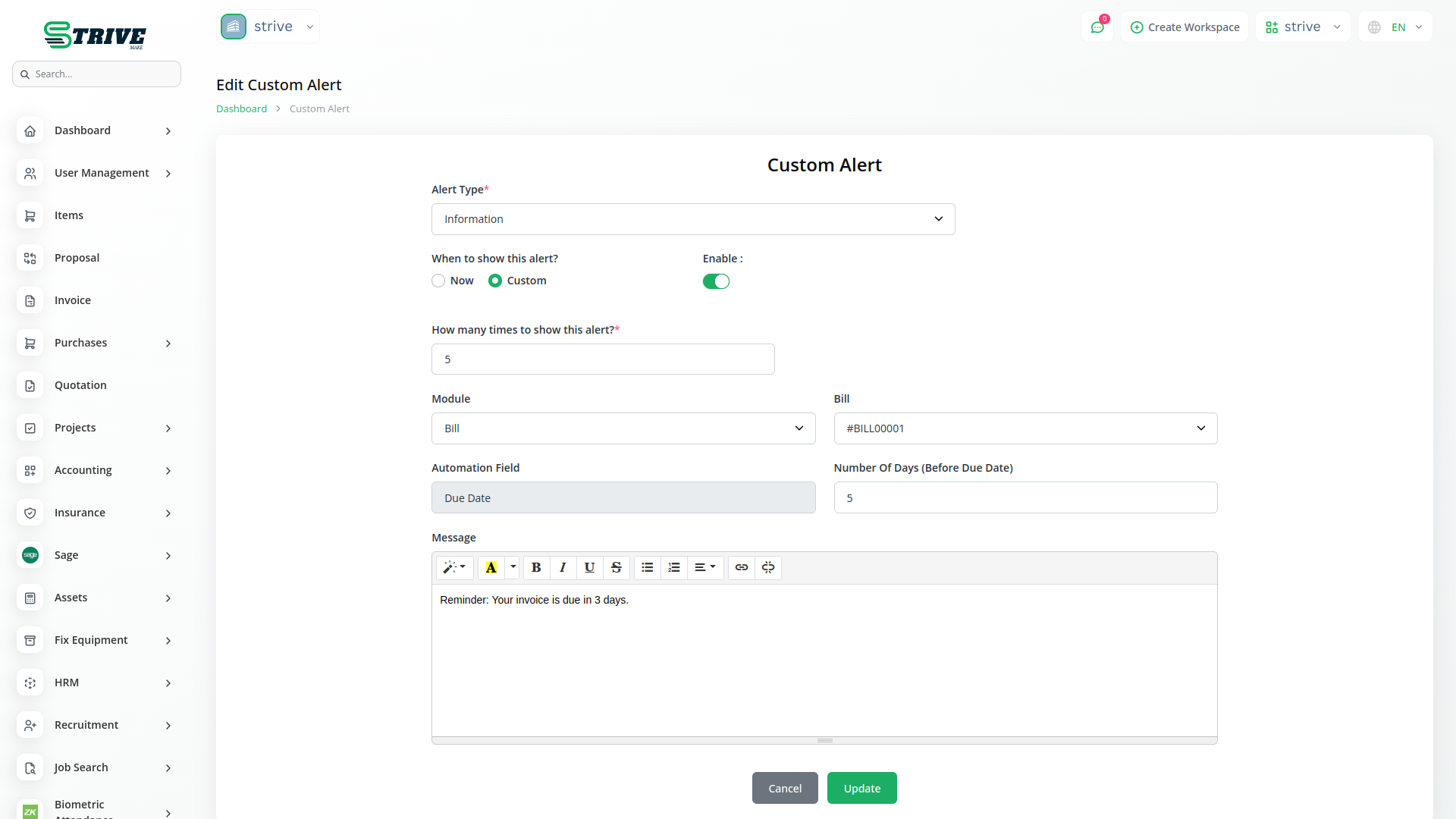
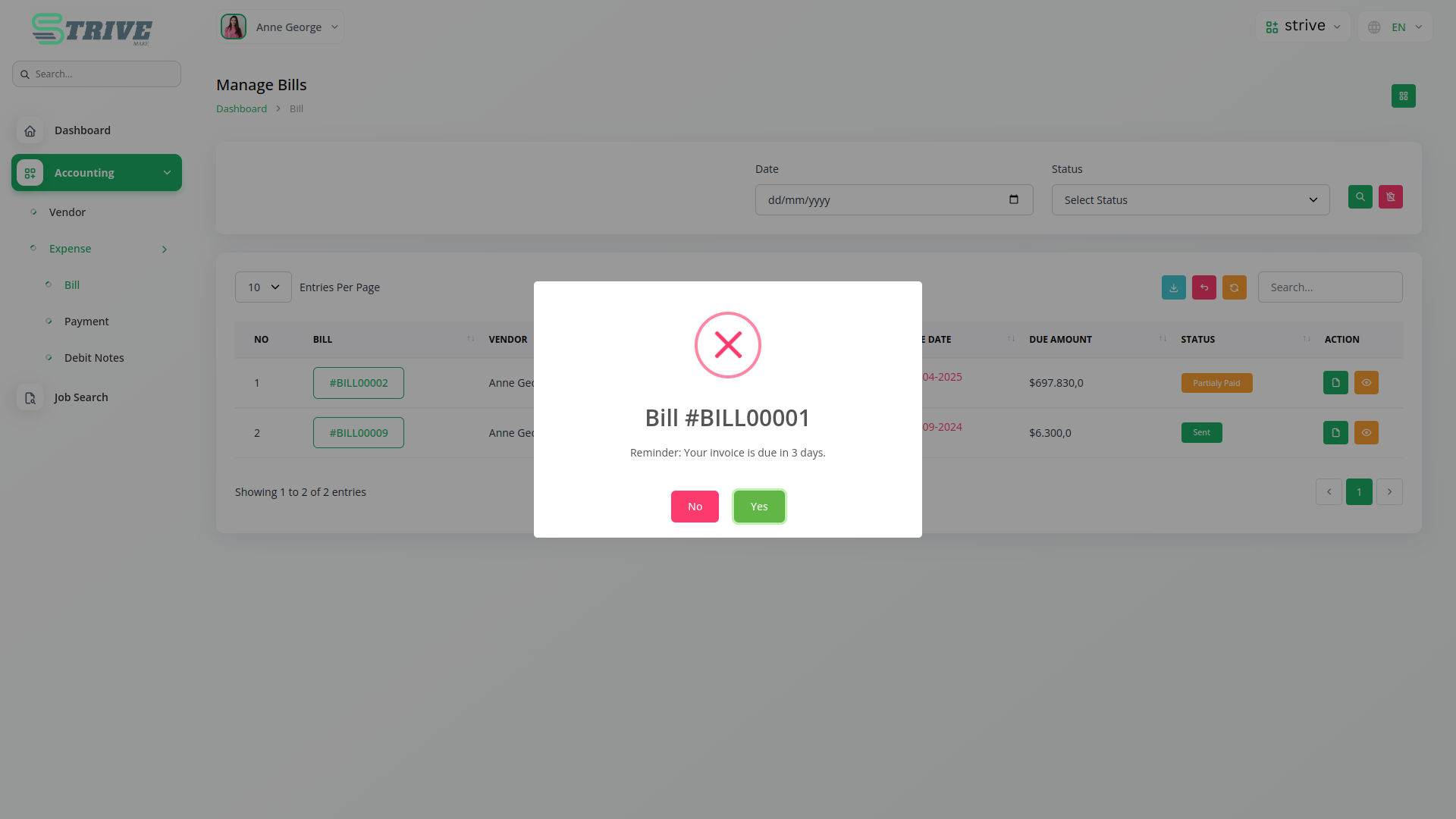
This Add-On lets you choose who sees the and when. Use the View Type setting to show the instantly or schedule it for a specific time and audience. You can link s to modules like General or Invoice. If Invoice is selected, you can choose a specific invoice to target. The is then shown only to users linked to that invoice, making your communication more focused and relevant.
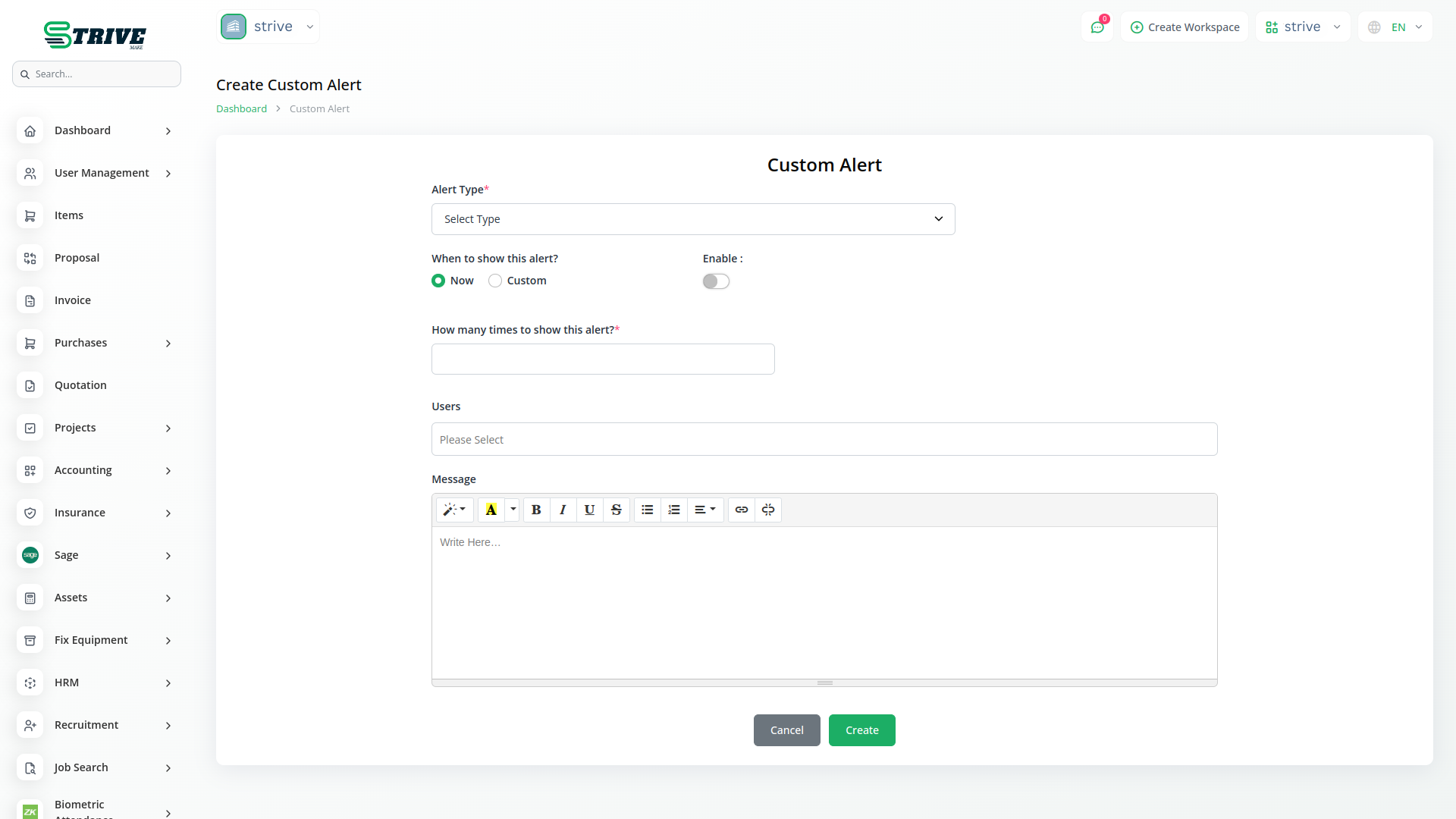
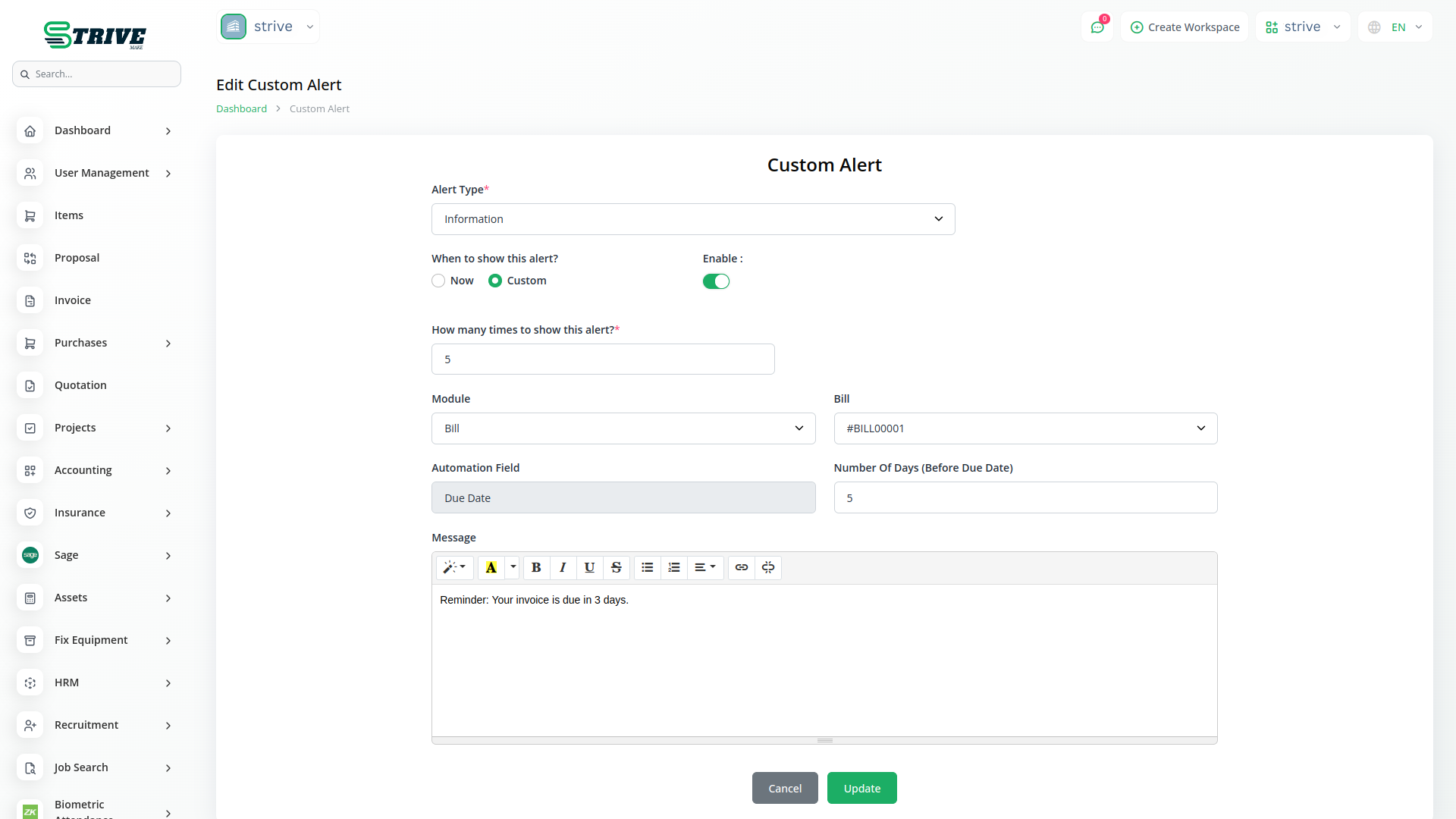
Set the Perfect Time to Show the Alert
Timing matters, and this Add-On makes it easy to schedule s. Use the Number of Days field to delay when the should appear. Add the number of days, and the system will automatically show it at the right time. This works well for future updates, reminders, or billing s. Whether sent immediately or later, s are delivered at the right moment for maximum impact.
Why choose dedicated modules for your business?
With Strivemake, you can conveniently manage all your business functions from a single location.
Empower Your Workforce with Strivemake
Access over Premium Add-ons for Accounting, HR, Payments, Leads, Communication, Management, and more, all in one place!
- Pay-as-you-go
- Unlimited installation
- Secure cloud storage
- Instant activation
- Cancel anytime
- All updates included
- 24/7 priority support
- Instant activation
- Cancel anytime
- All updates included
- 24/7 priority support
Related modules you might like
With Strivemake, you can conveniently manage all your business functions from a single location.


